Short answer: To get IPTV in Canada you need four things: a stable internet connection, a compatible device, an IPTV subscription and a player app. Most people are watching within minutes of receiving their activation details.
This guide explains each step in plain words, so you know what to expect before you start.
What is IPTV?
IPTV stands for Internet Protocol Television. Instead of cable or a satellite dish, you receive TV channels over your internet connection, through an app on your TV, Firestick, Android box, phone or tablet.
The technology is the same one many large providers use. What matters is where the content comes from, which we explain in our guide: Is IPTV Legal or Illegal in Canada?
What you need to watch IPTV in Canada
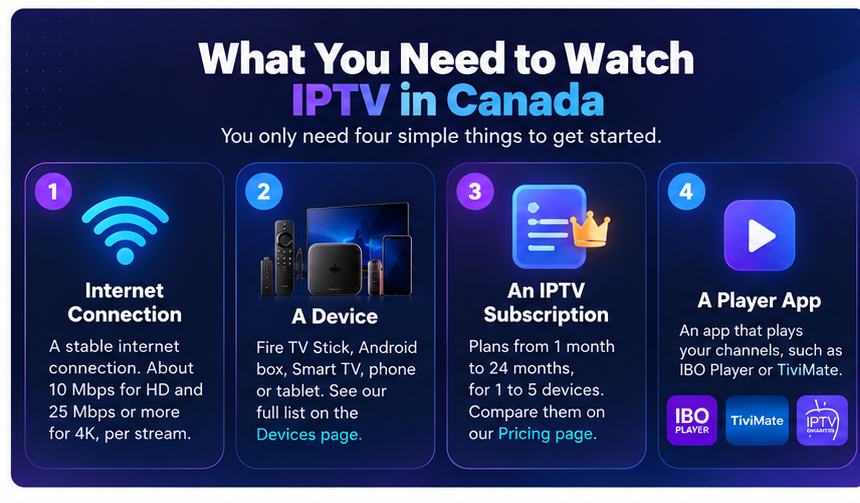
- Internet: a stable connection. As a general guide, about 10 Mbps for HD and 25 Mbps or more for 4K, per stream.
- A device: a Fire TV Stick, Android box, Smart TV, phone or tablet. See the full list on our Devices page.
- A subscription: plans run from 1 month to 24 months, for 1 to 5 devices. You can compare them on our Pricing page.
- A player app: the app that plays your channels, such as IBO Player or TiviMate.
How does IPTV work in Canada?
Your provider sends channels over the internet. Your player app connects to your account and shows them on your screen. You do not need a dish, a cable box or an installer to visit your home. If your internet works, the app works.
How to get IPTV in Canada, step by step
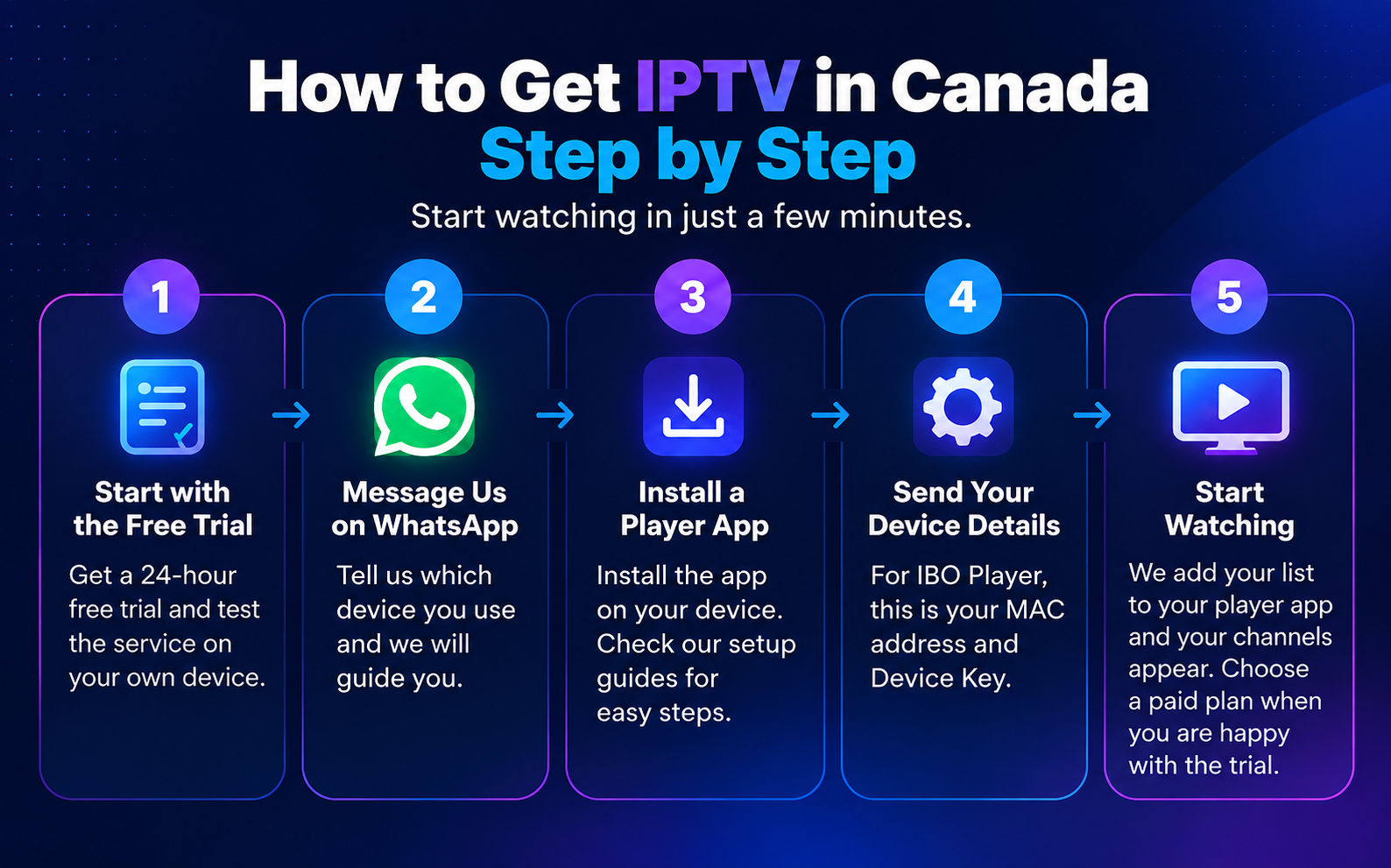
- Start with the free trial. We offer a 24-hour free trial, so you can test the service on your own device before paying. Get a free trial.
- Message us on WhatsApp. Tell us which device you use and we will guide you. Chat with us on WhatsApp.
- Install a player app. On a Firestick, you install the Downloader app and then the player. Our Firestick setup guide shows every step. Other devices are in our Setup Guides.
- Send us your device details. For IBO Player this is your MAC address and Device Key. We use them to activate your account.
- Start watching. We add your list to your player app, and your channels appear. Choose a paid plan when you are happy with the trial.
How to choose an IPTV provider in Canada
Not every service is the same, so check a few things before you pay:
- Ask for written proof of licences. A provider that has the right to distribute its channels can show it.
- Try before you buy. A free trial lets you test picture quality and channel selection.
- Look for clear pricing in Canadian dollars, with no hidden fees.
- Check that support answers. Send a message before you subscribe and see how fast they reply.
- Be careful with prices that look too good to be true.
Frequently asked questions
How long does it take to get IPTV working? Usually a few minutes after you install the app and send us your device details.
Do I need a special box? No. A Fire TV Stick, Android box, Smart TV, phone or tablet works. See the Devices page.
Can I try it before paying? Yes. We offer a free 24-hour trial.
How many devices can I use? Our plans cover 1 to 5 devices. The Pricing page shows the price for each.
Is IPTV legal in Canada? The technology is legal. What matters is whether the service has the rights to the content it sells. Read the full answer in Is IPTV Legal or Illegal in Canada?
Need help?
Message us on WhatsApp or start your free trial. We will help you through each step.